For iPhone · Driving in Japan

From a Google Maps pin to your car's navi.

Most car navigation systems in Japan take a MAPCODE, a short number for any spot on the map. Share a place from Google Maps, choose PinPunch, and the code appears right in the share sheet, big and easy to read.

Coming soonto the App Store How it works ↓

iPhone · iOS 17 or later · No account, no location permission

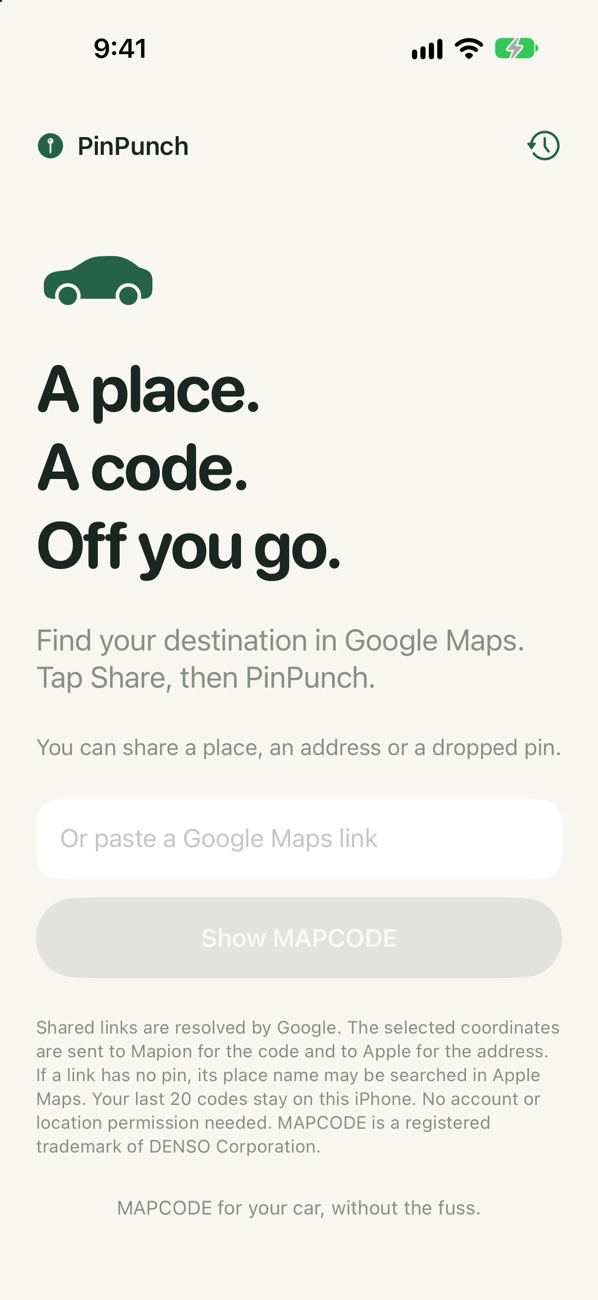
PinPunch ready: A place. A code. Off you go.
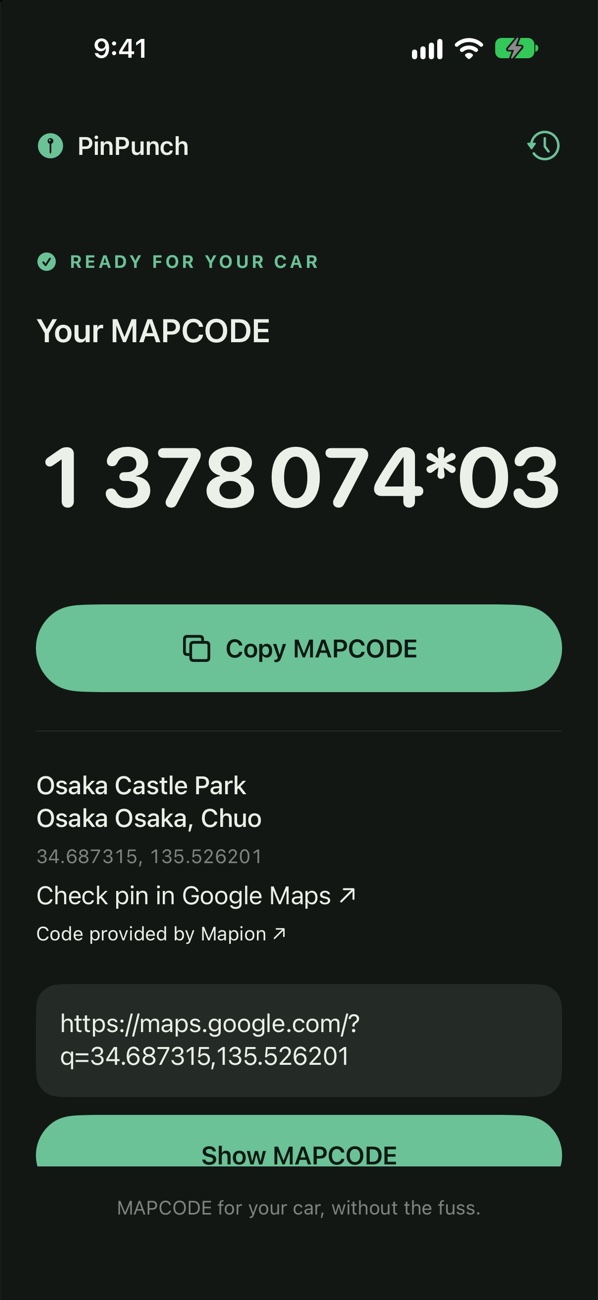
Osaka Castle's MAPCODE, 1 378 074*03, in dark mode
3 tapsfrom Google Maps to a code
0accounts or location permission
20recent codes, plus 5 favourites
EN · 日本語links in either language

Three taps to the car

Typing a Japanese address into a rental car's navigation is slow and fiddly. A MAPCODE is just a number.

Find it in Google Maps

A shop, a station, a street address, or press and hold anywhere to drop a pin. However you'd normally find it.

Share → PinPunch

Tap Share, then PinPunch. The code appears in the share sheet without even opening the app. Add it to your share-sheet favourites to make it quicker.

Punch it in

Enter the number in your navigation's MAPCODE search and drive. The address underneath lets you check it's the right place first.

The result

Big numbers you can read at a glance.

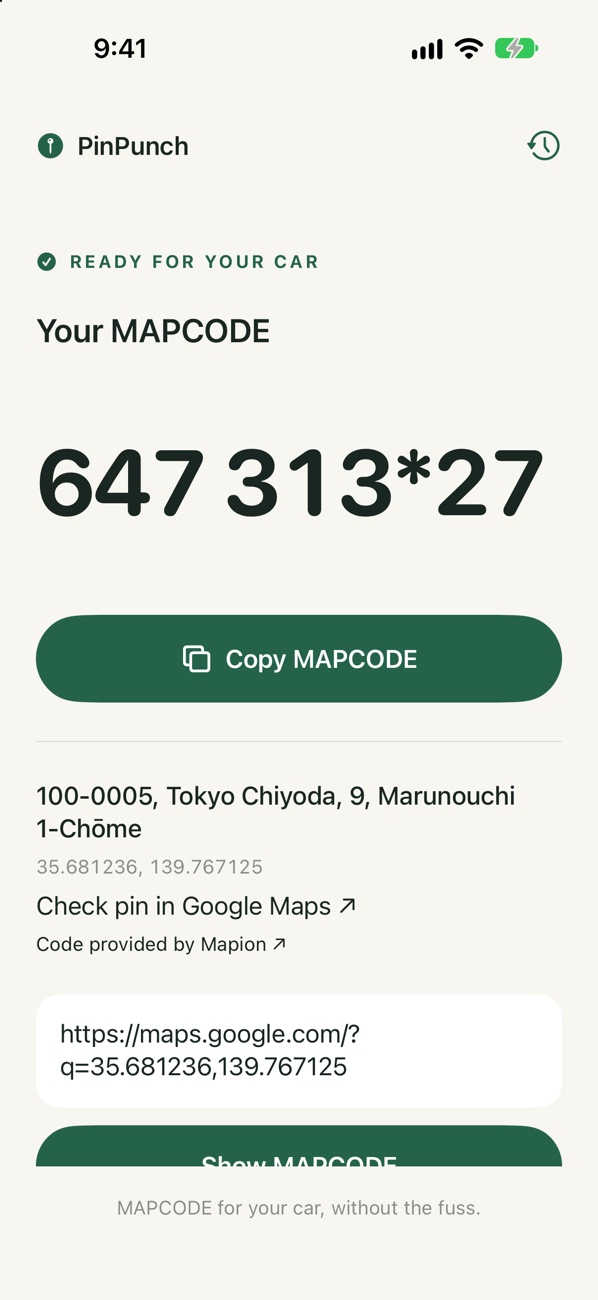
The code is shown large, ready to copy or read off while you type it into the car. The digits after the * pinpoint the spot to within a few metres, if your navi accepts them.

  • Exact when the link carries the pin, and clearly labelled "Closest match" when it doesn't
  • The address at the code's location, so you can double-check before you drive
  • Light and dark mode
Tokyo Station's MAPCODE, 647 313*27, ready for your car, with the address underneath
Your codes

Every stop of the trip, kept.

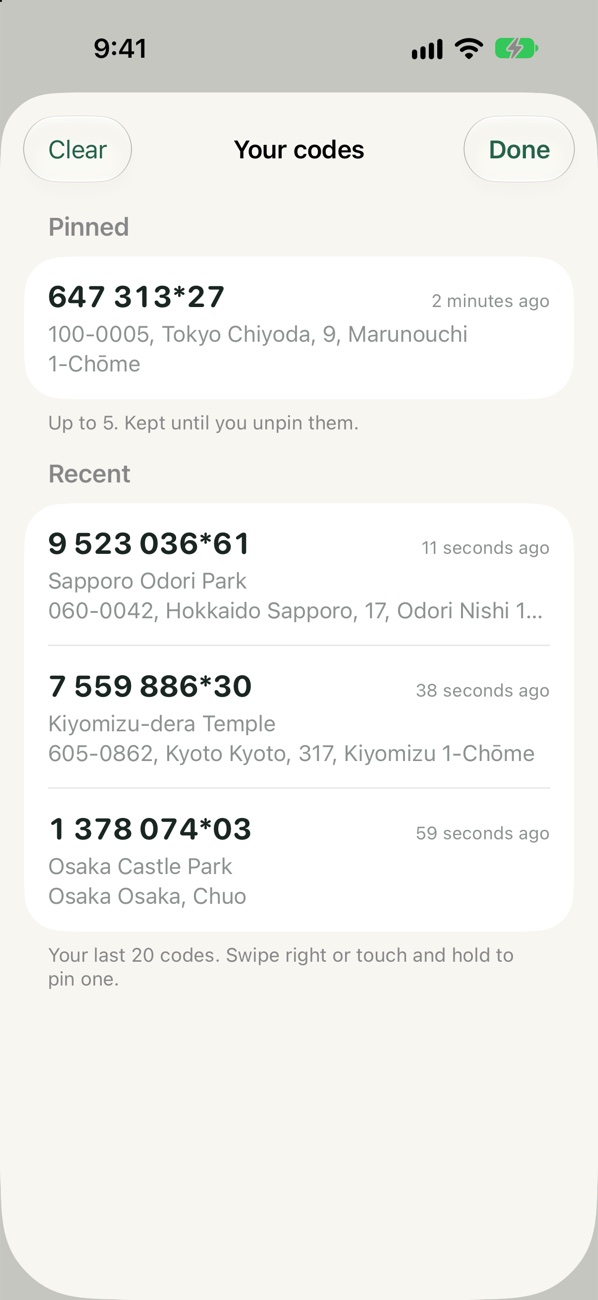
Look up the whole itinerary before you pick up the car. The clock button keeps your last 20 codes, including ones you looked up from the share sheet.

  • Pin up to 5 favourites, kept until you unpin them
  • Swipe right or touch and hold to pin one
  • Stored on your iPhone only
Your codes: Tokyo Station pinned, and Sapporo, Kiyomizu-dera and Osaka Castle under Recent
PLACES · PINS

Whatever you shared

Businesses, stations, street addresses and dropped pins, from the Google Maps app or a short link, in English or Japanese.

PASTE

Or paste a link

Got a Google Maps link in a message or an email? Paste it into the app and get the code the same way.

HONEST

Never a silent guess

Routes and multiple pins are turned down rather than guessed at. Approximations always say so, with the reason.

It never asks where you are.

No analytics, no account and no location permission. Your recent codes are stored on your iPhone only.

To work out a code it asks a few map services: Google expands shared short links (and receives the place ID when a link has no pin), Mapion receives the place's coordinates to return the MAPCODE, and Apple receives them to show the address.

Questions

How do I use PinPunch?

In Google Maps, open a place or address, or press and hold to drop a pin. Tap Share, then More, then PinPunch. The code appears in the share sheet. To make it quicker next time, add PinPunch to your share-sheet favourites. You can also paste a Google Maps link into the app.

What does "Closest match" mean?

Some Google Maps links don't contain the exact pin. When that happens, PinPunch uses the best location it can find and labels the code Closest match, with the reason. Check the address shown before relying on it.

What's the part after the *?

The digits after * pinpoint the spot to within a few metres. Enter them if your car's navigation accepts them; the first part on its own gets you to within about 30 metres.

Can it send the code to my car?

Not yet. Copy the code, or read it off the screen, and enter it in your navigation's MAPCODE search.
Less typing, more driving.

PinPunch is coming to iPhone.

Coming soonto the App Store

MAPCODE is a registered trademark of DENSO Corporation. PinPunch isn't affiliated with or endorsed by DENSO, Google, Mapion or Apple. Codes come from Mapion's public map pages, so always check the address before you set off.