For Mac · Music visualizer

Turn your spare screens into a light show.

Glowfi listens to whatever your Mac is playing and turns it into CRT, VHS and retro-digital scenes that move with the music, all locked to the same tempo and bar.

Coming soonfor Mac See the scenes ↓
Apple silicon Mac · macOS 14.2 or later

Glowfi scenes cycling: Outrun, Teletext, Halo, Pixel Rain and VFD
25retro scenes, drawn live in Metal
10filters, from CRT to ASCII
12scene transitions
≤2 msGPU per frame at 1440p (M3 Max)
No setup

It just hears your Mac.

No virtual audio device, no routing, nothing to install alongside it. Glowfi listens to the Mac's own output and picks up players you open after launch.

  • Or point it at an input: a mixer, external decks or a microphone
  • Unplug that input and it falls back to the Mac's sound until it's back
  • The audio is analysed in memory, never recorded, saved or sent anywhere
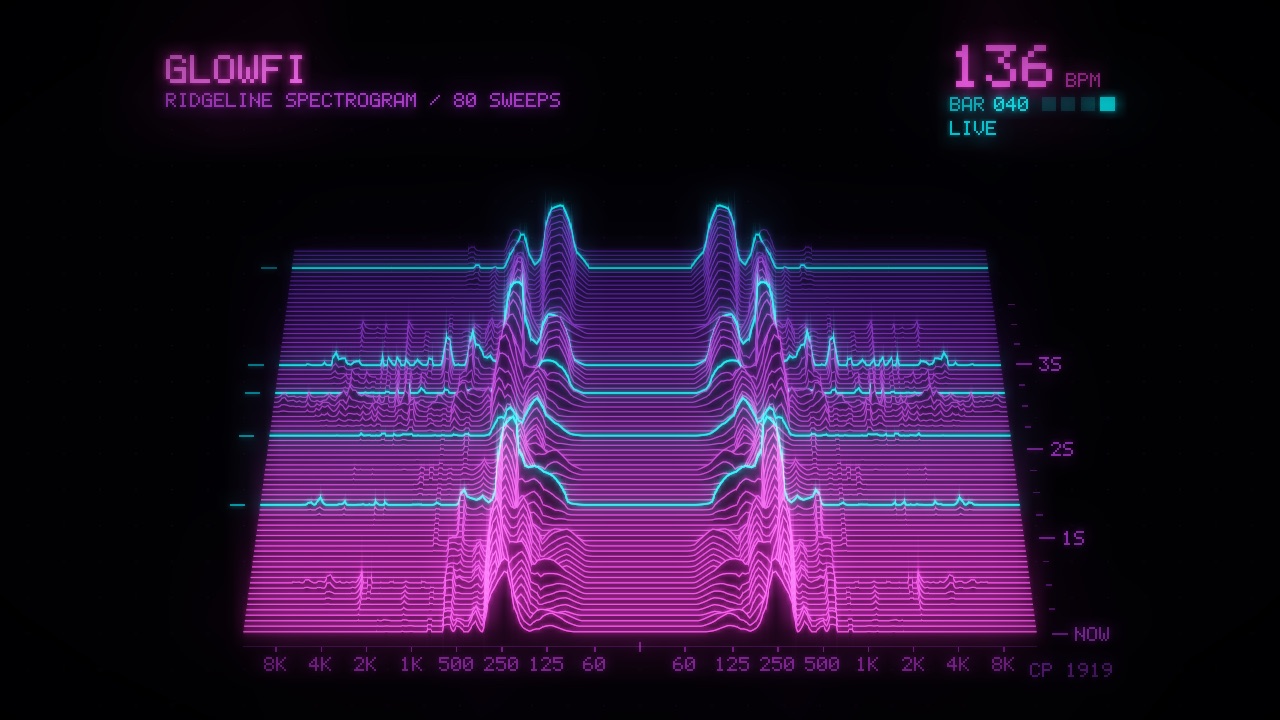
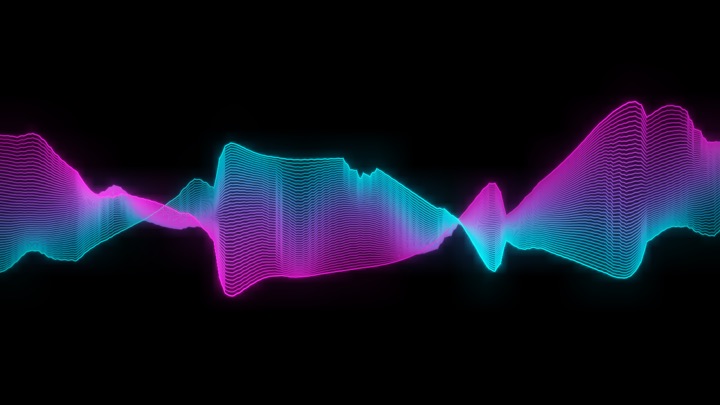
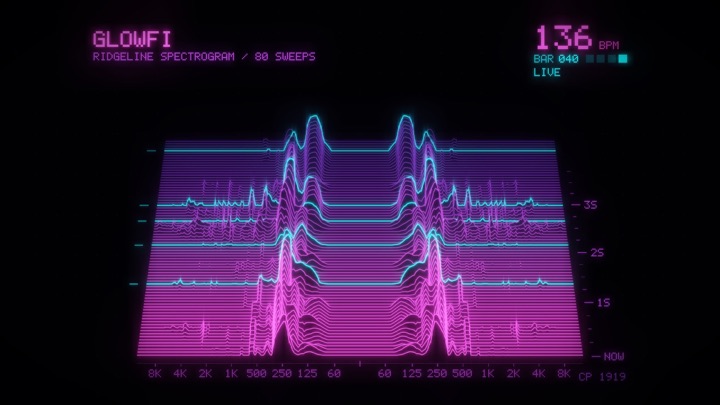
The Ridges scene: spectrum ridgelines rising like mountains
Knows the music

Every screen on the same beat.

One shared analyzer finds the BPM, the bar, beat 1 and the drop. Every screen shows the same tempo, and the count carries on across scene changes.

  • Change scene every 16 or 32 bars, right on the first beat of the phrase
  • Or the moment the kick slams back in after a breakdown
  • Live BPM and bar.beat on the control strip
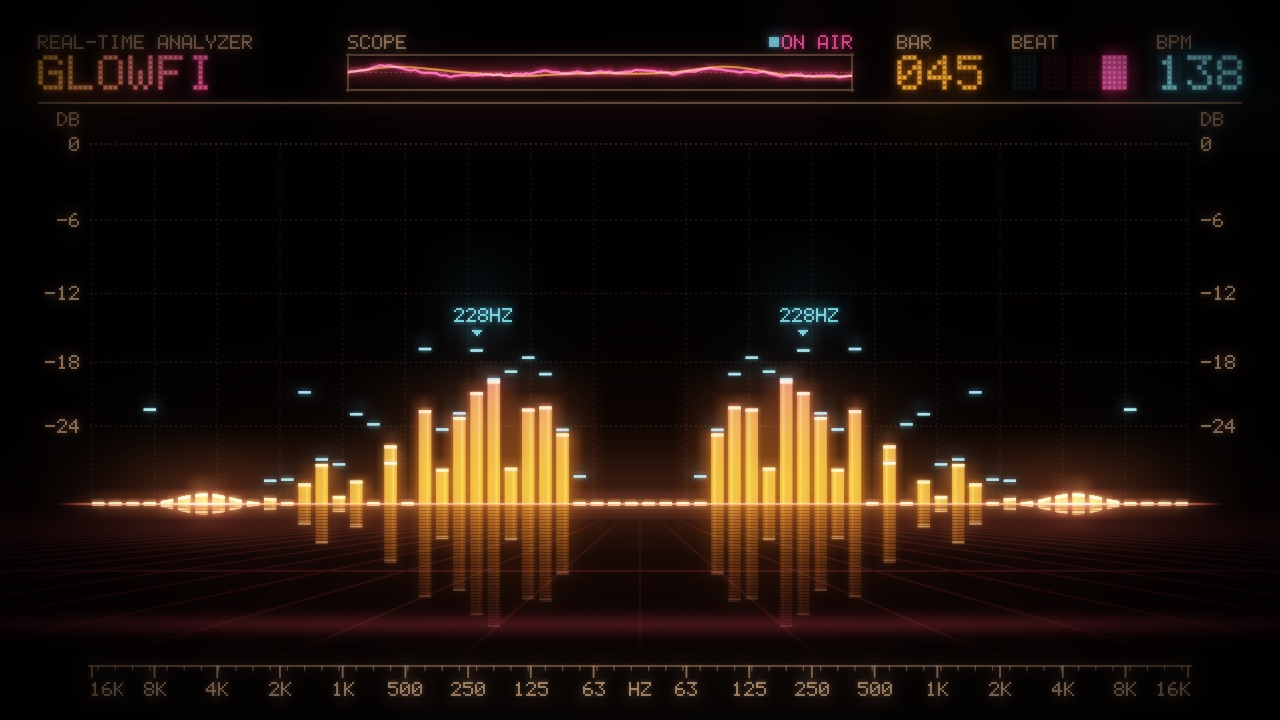
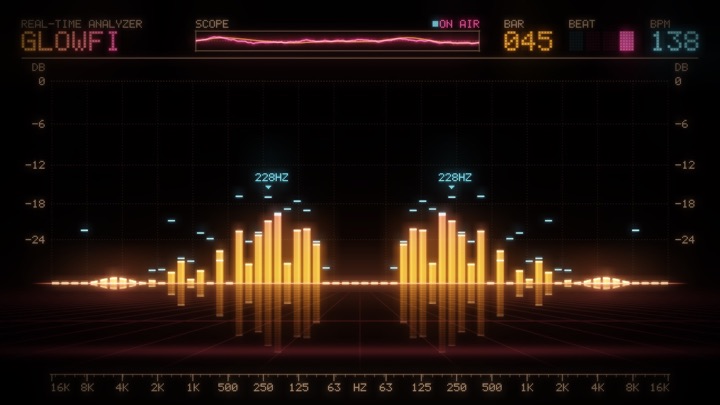
The Bars scene: a mirrored spectrum analyzer on a glossy floor
Built for gigs

Fullscreen, without stealing focus.

Put visuals on any monitor without ever taking focus from your DJ app. The control strip floats above everything, so it can never get trapped under a fullscreen screen.

  • A blackout key fades every screen to black, and back
  • If a monitor drops out, its visuals wait for it instead of jumping to your DJ screen
  • Your name or the event on the Marquee sign, the Teletext ticker and the VFD banner
  • A 30 fps mode for about half the GPU, with beats still tracked 60 times a second
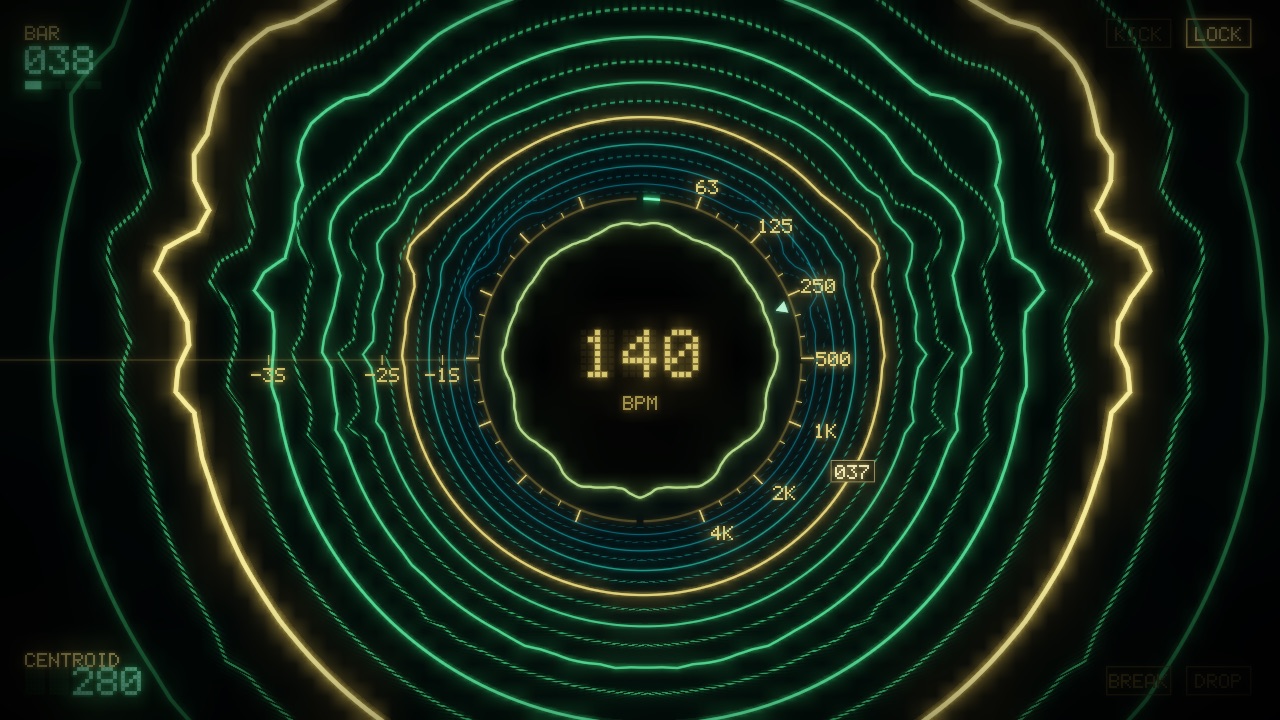
The Ripples scene: spectrum contours flying out of a scope

25 scenes, all drawn in Metal

Oscilloscopes, spectrum analyzers, LED signs, teletext pages and synthwave sunsets. Each screen starts on a different one, and any you don't like can be switched off.

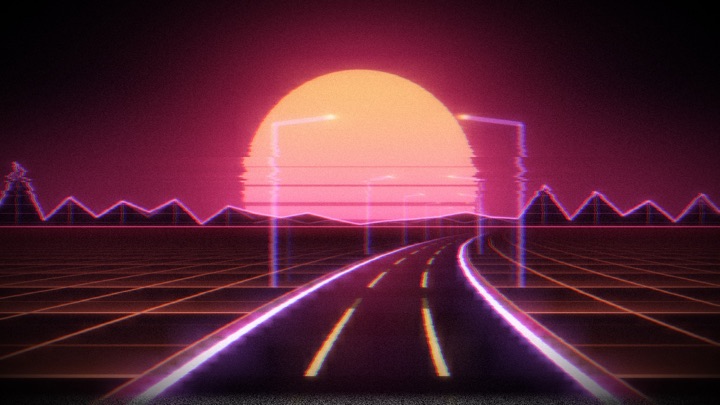
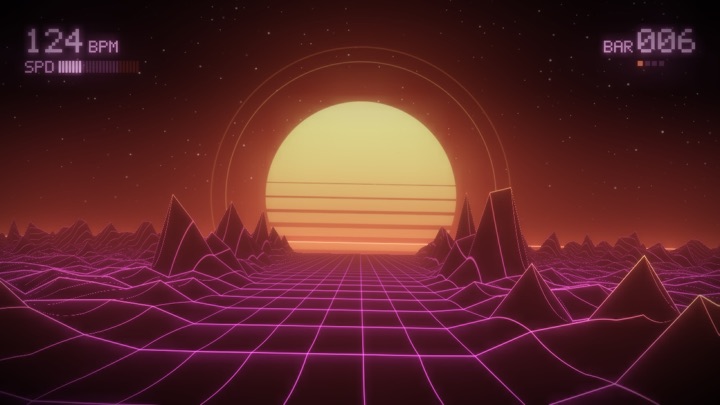
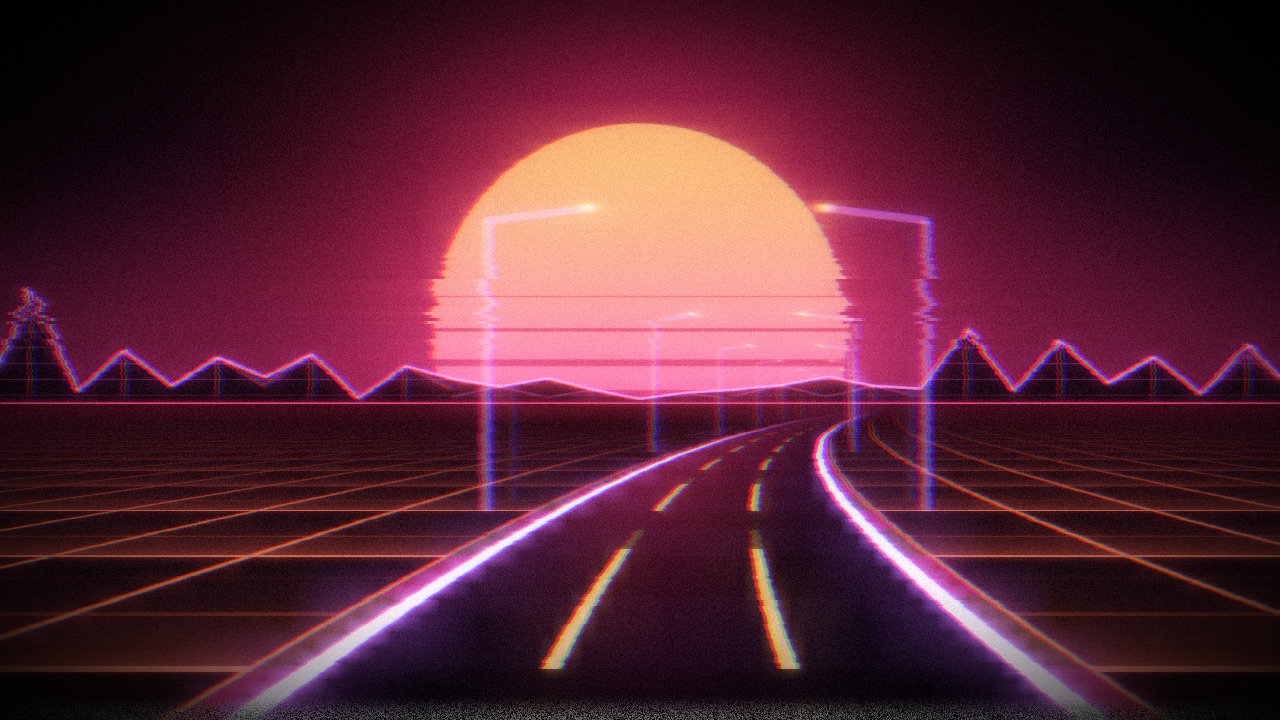
OutrunA neon road rushing to a striped sun
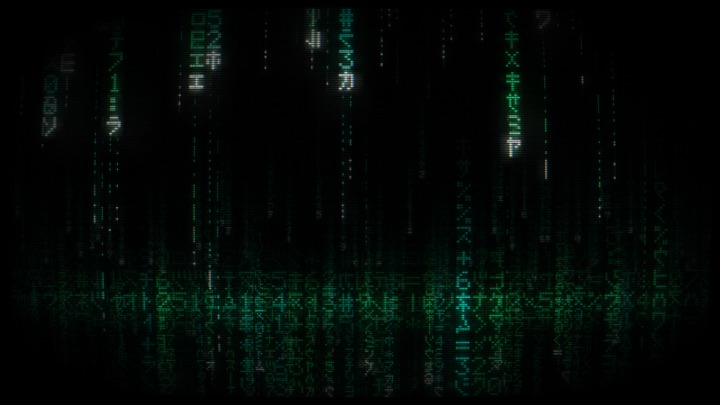
Code RainFalling katakana and digits, film-style
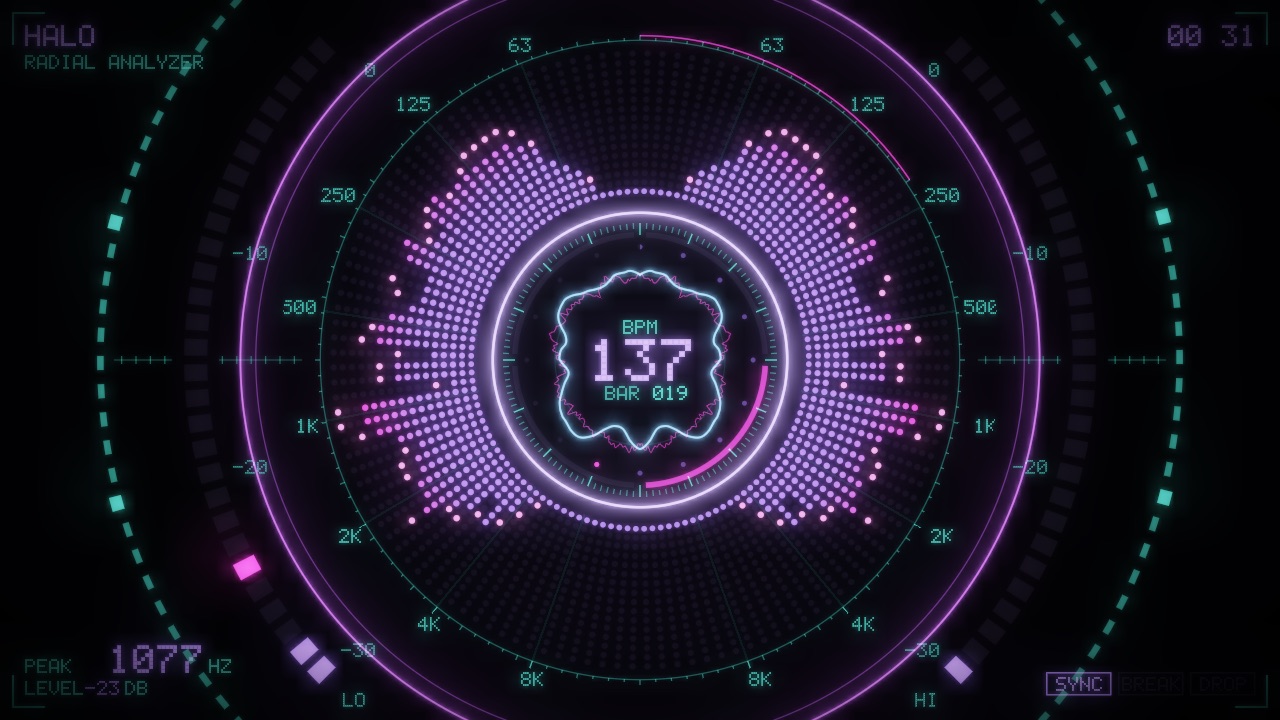
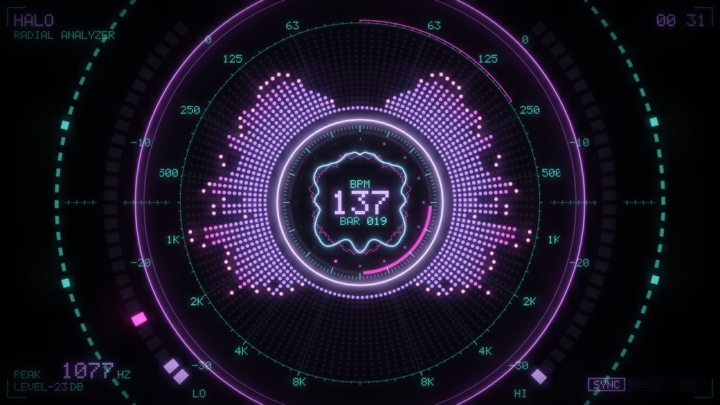
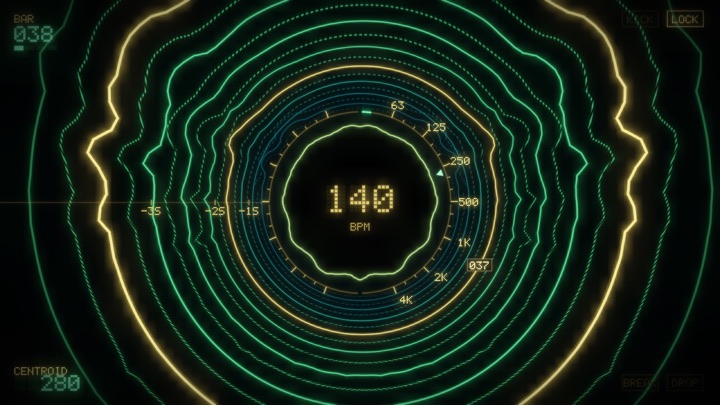
HaloA radial spectrum analyzer
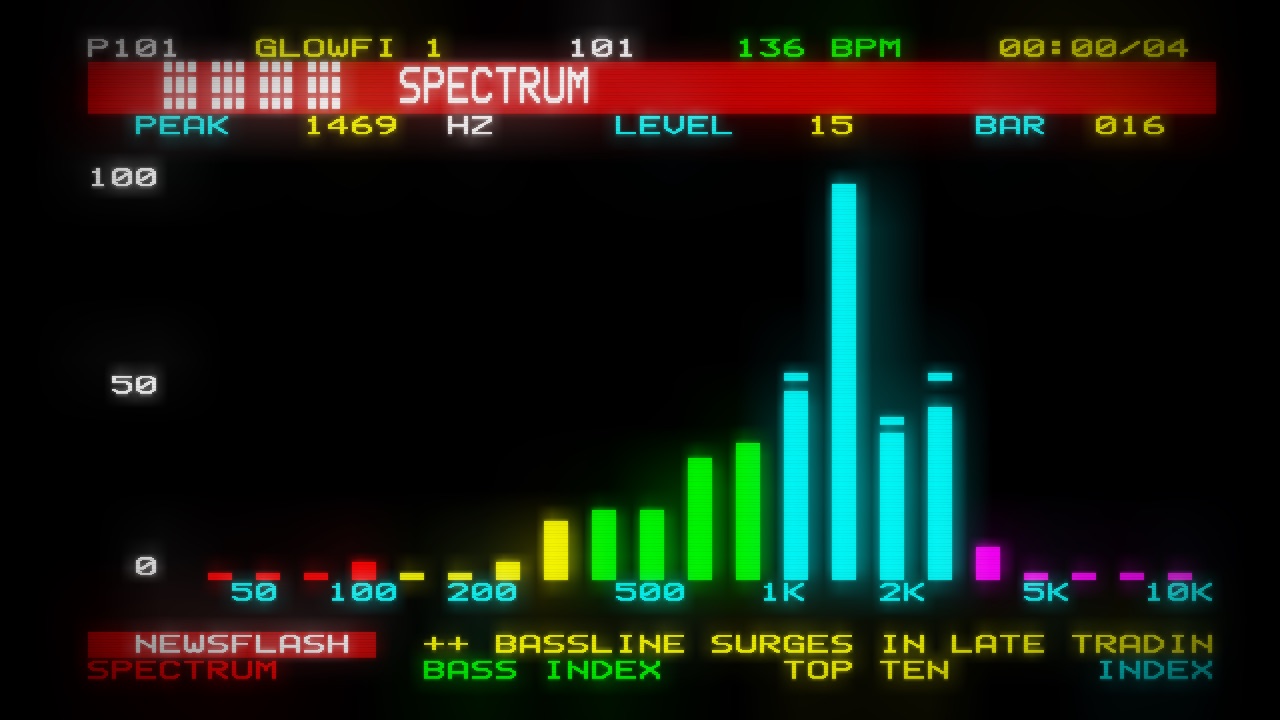
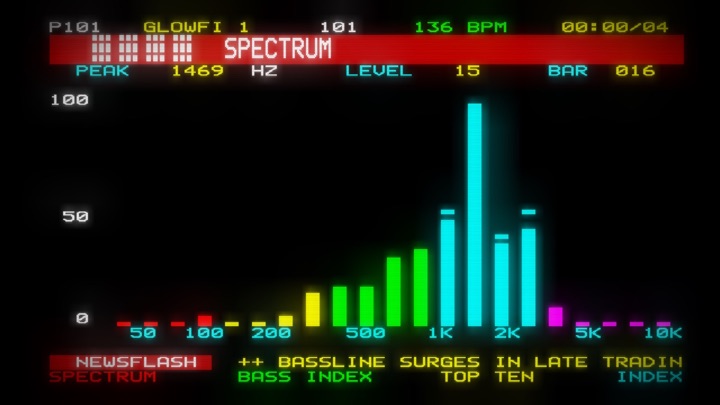
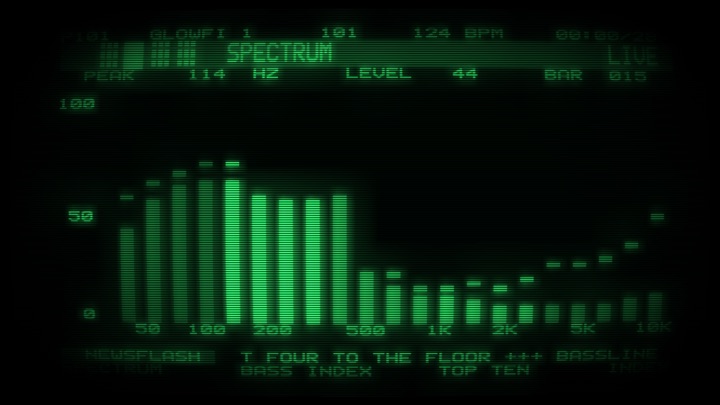
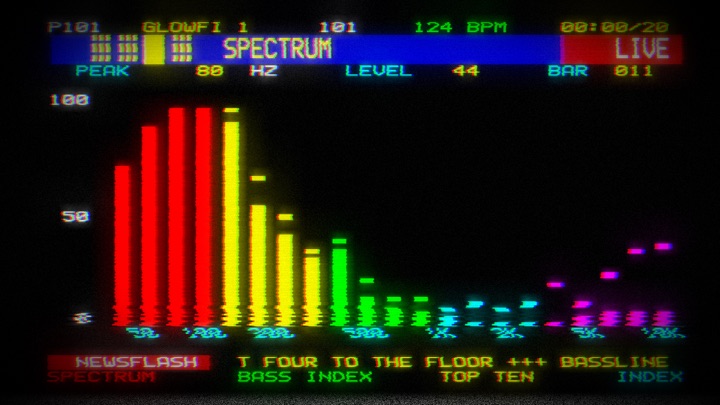
TeletextLive pages, charts and a news ticker
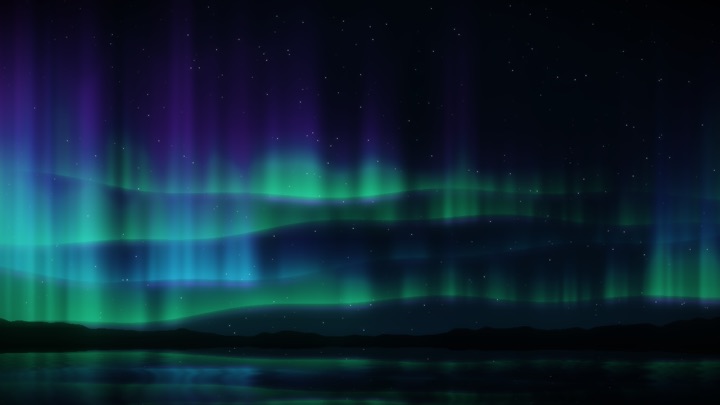
AuroraNorthern lights folding over a ridge
RibbonsA twisting bundle of thin neon lines
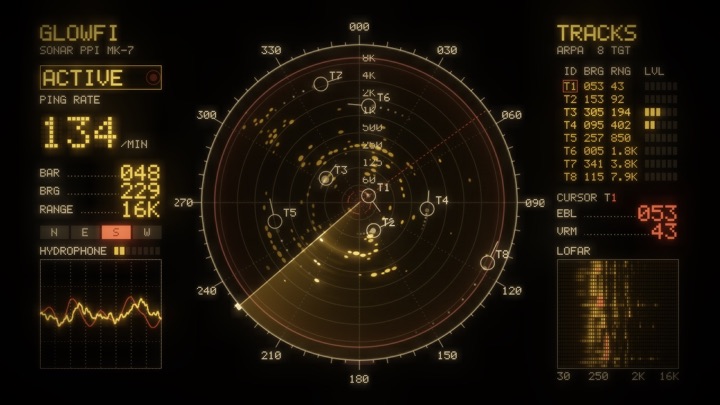
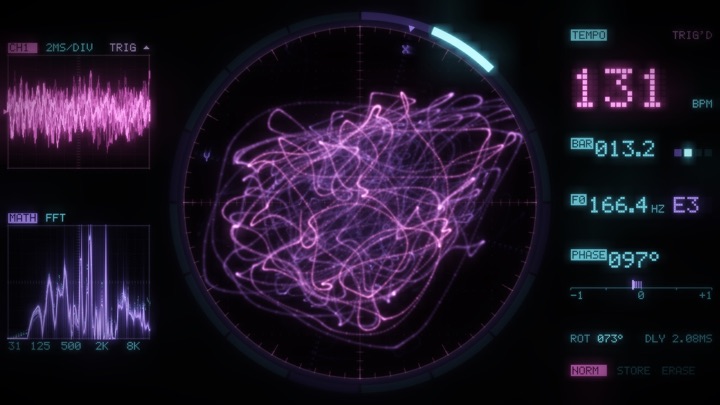
RadarA PPI sonar console
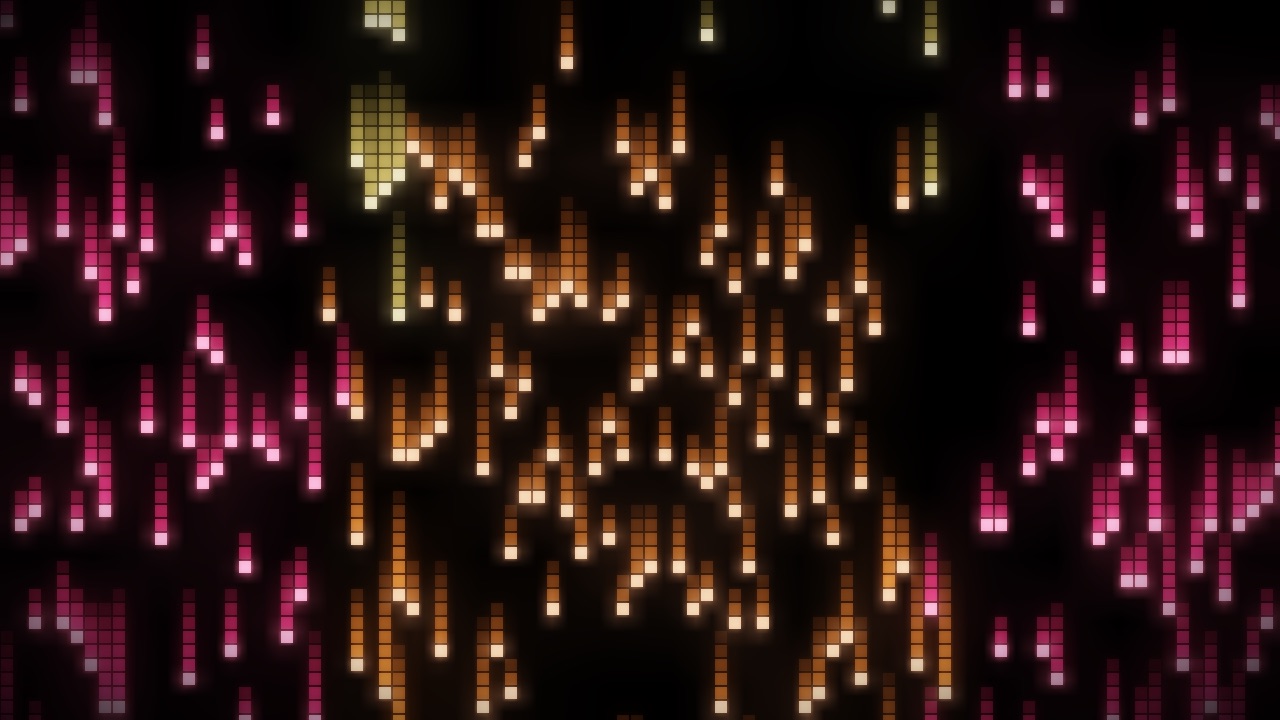
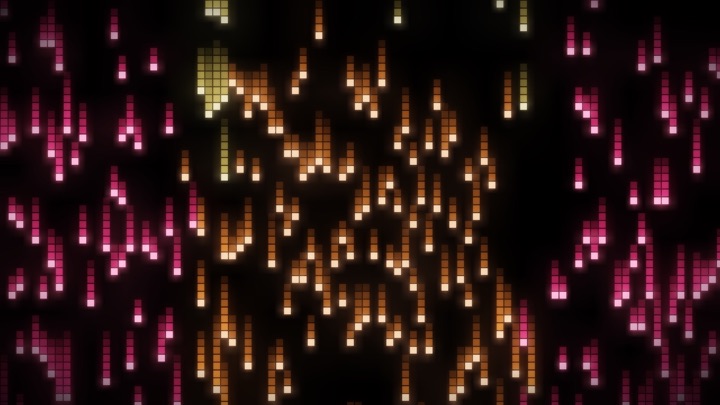
Pixel RainOne spectrum band per falling column
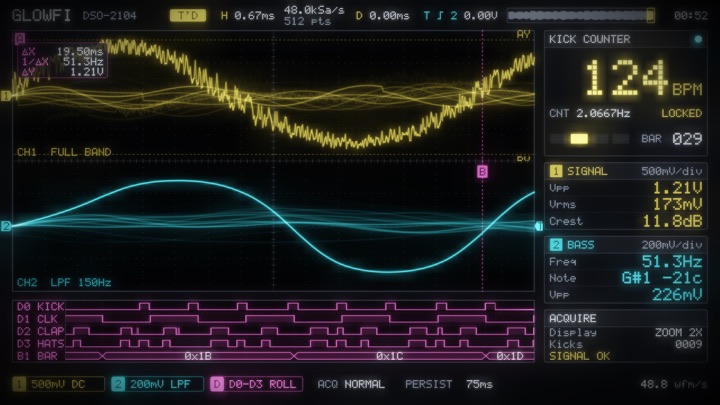
Dual ScopeA bench oscilloscope with a kick counter
SynthwaveA neon sun over an endless grid
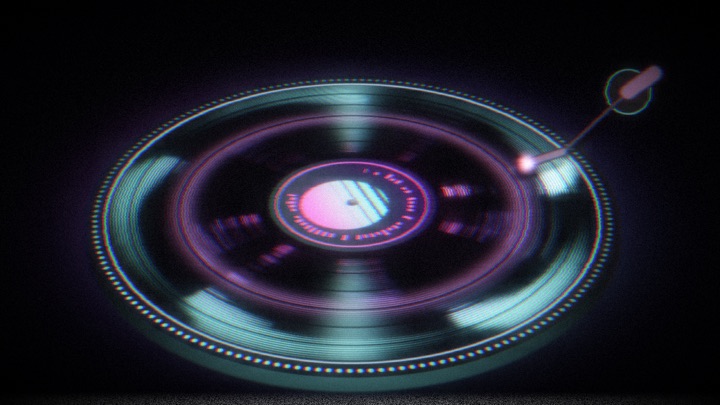
VinylA big tilted record on a lit platter
MarqueeA giant scrolling LED sign
RidgesUnknown Pleasures ridgelines
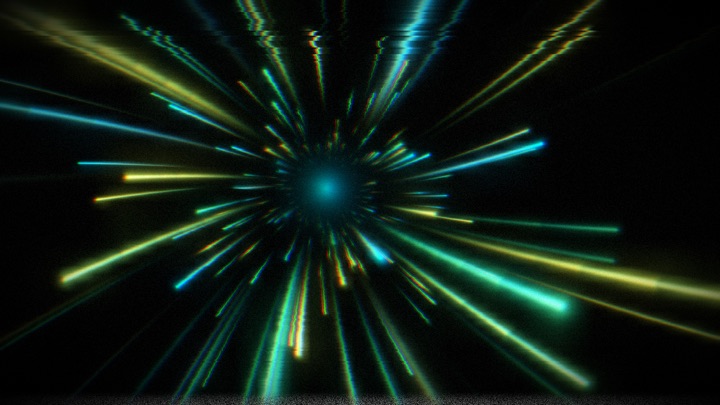
WarpA hyperspace starburst
BarsA mirrored analyzer on a glossy floor
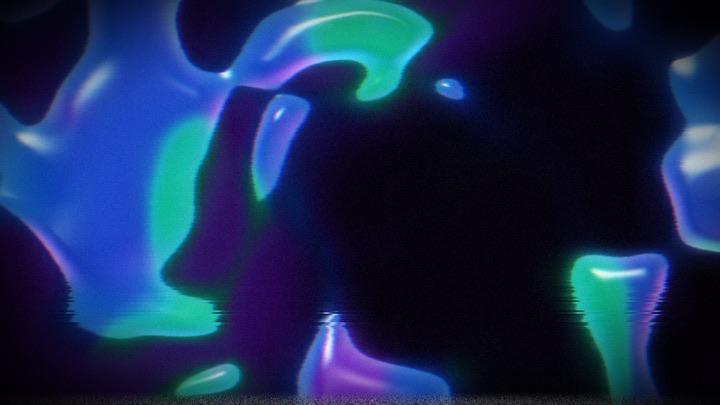
LiquidGlossy lava-lamp blobs
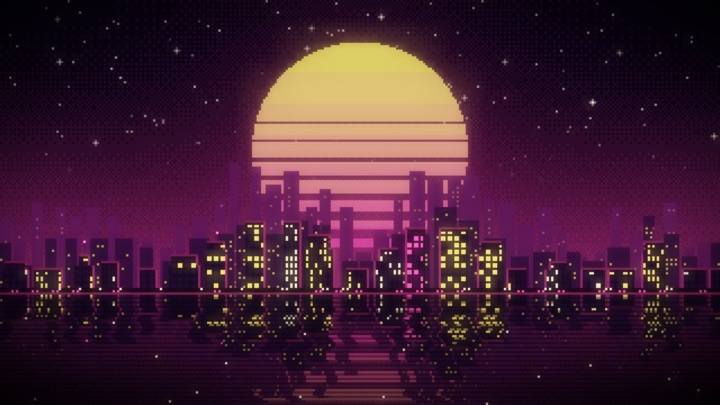
SkylineA pixel-art city under a striped sunset
LissajousAn XY-mode phosphor scope
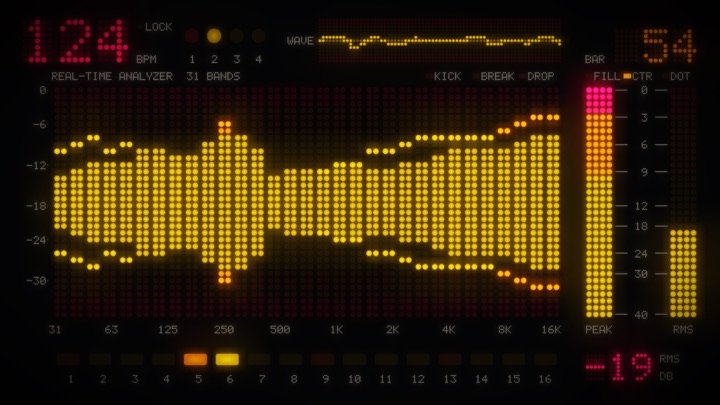
LED MeterA 31-band LED analyzer with peak meters
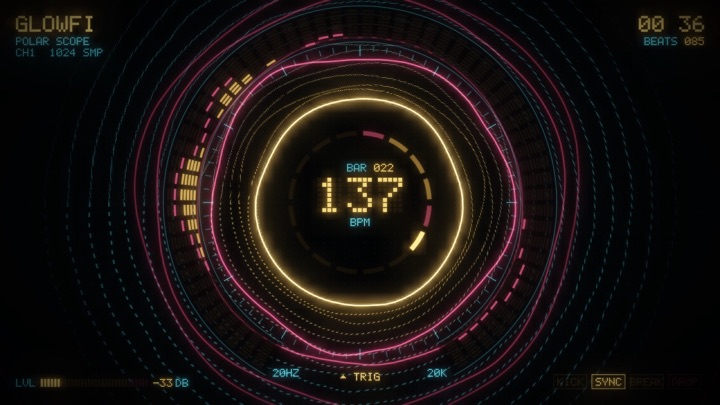
RingA polar oscilloscope
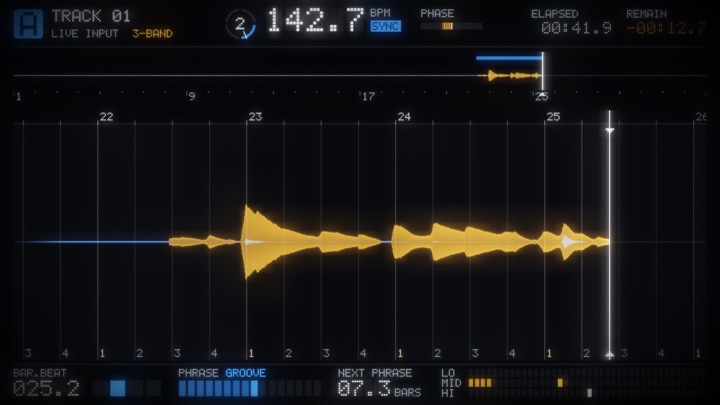
DeckA DJ deck with beat grid and phrases
RipplesSpectrum contours flying out of a scope
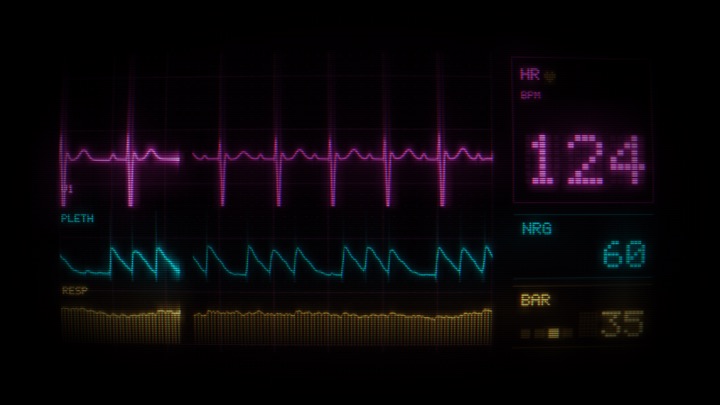
PulseAn ECG monitor beating at the tempo
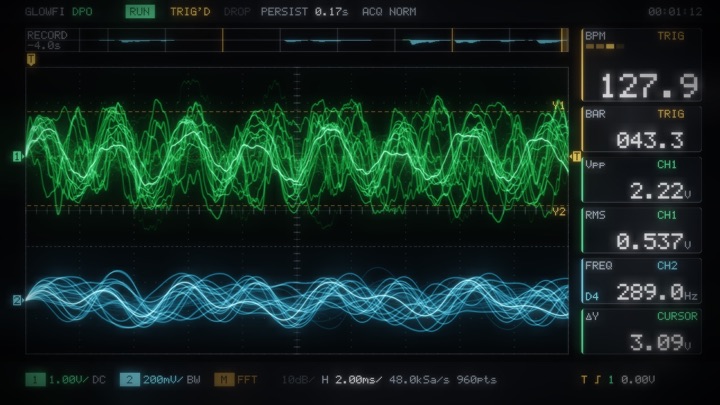
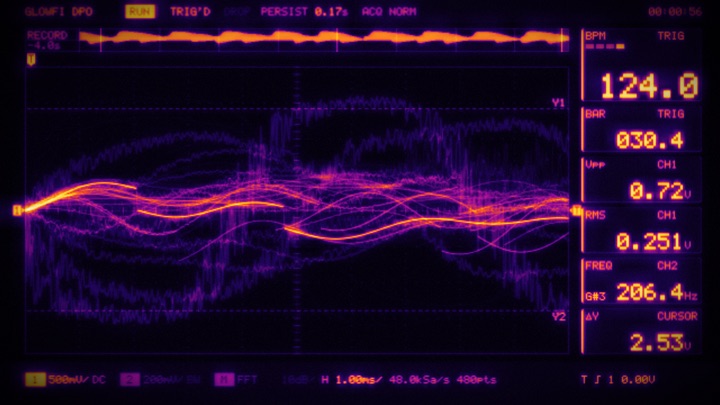
ScopeA digital phosphor oscilloscope
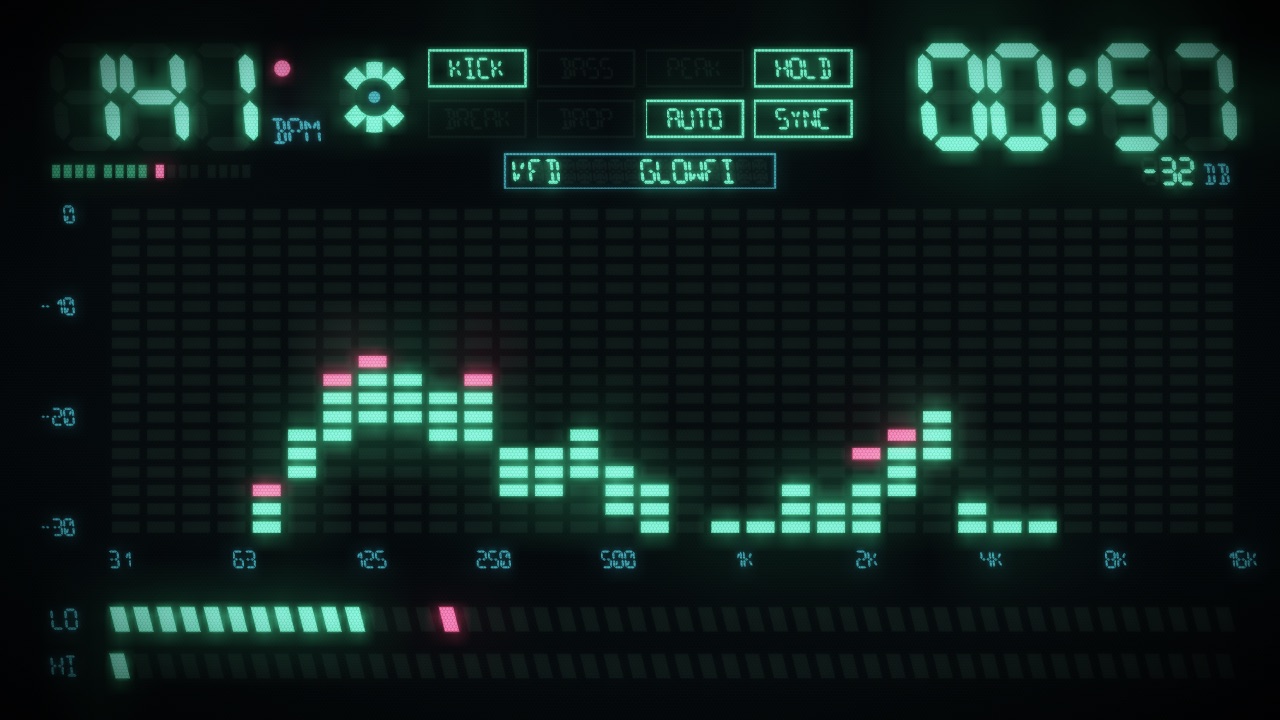
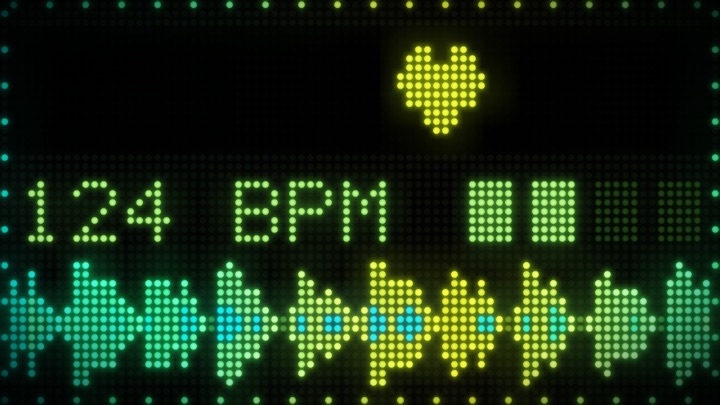
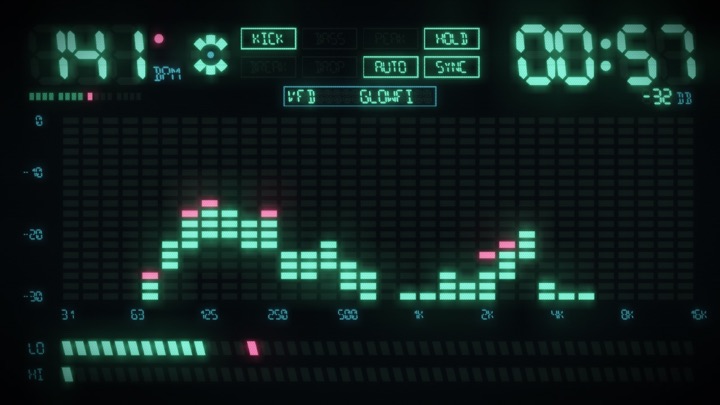
VFDA 90s hi-fi vacuum-fluorescent panel

10 filters. 12 transitions.

Every scene runs through a filter: its own, a random one, or one you pick for all of them. Scenes cut, or change over 1.5 seconds in the same CRT, VHS and pixel style, with both scenes playing while it happens.

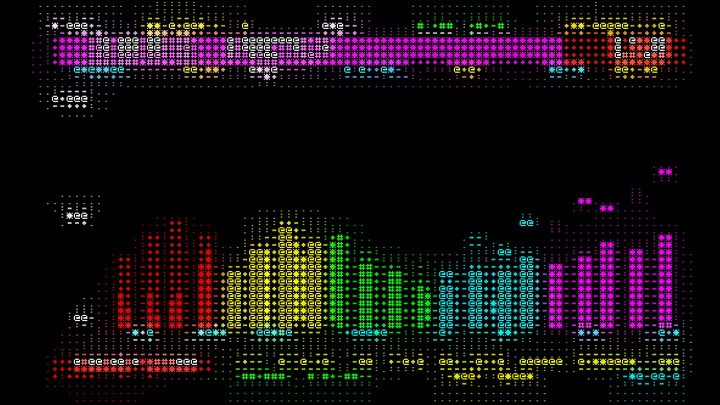
ASCII filterTeletext, typed out in characters
Thermal filterScope, as a heat map
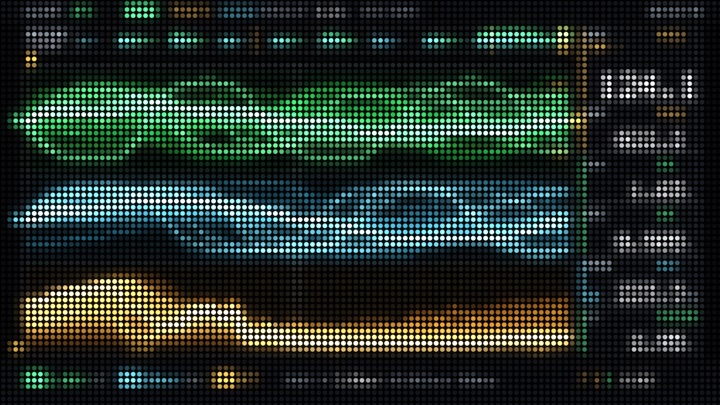
LED Wall filterScope, on a dot-matrix wall
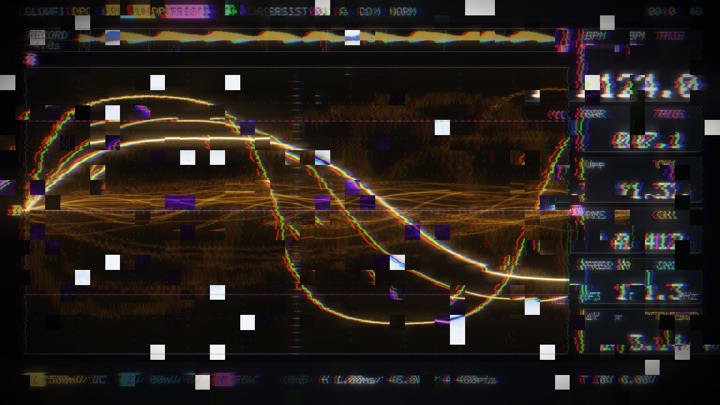
Glitch filterScope, breaking up into blocks
Terminal filterTeletext, in green-screen phosphor
VHS filterTeletext, smeared onto tape
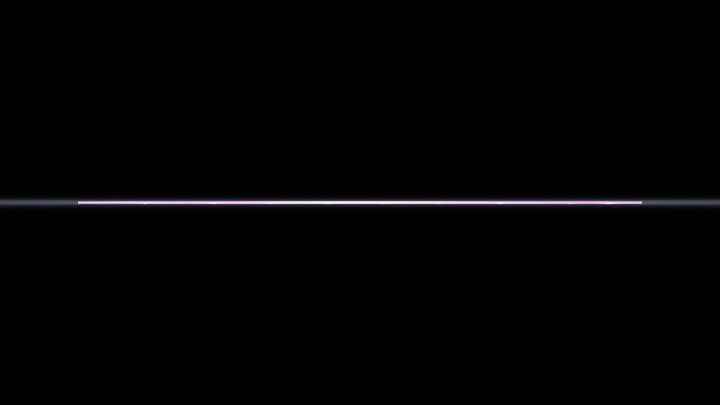
Power Off transitionA CRT switching off to a line and a dot
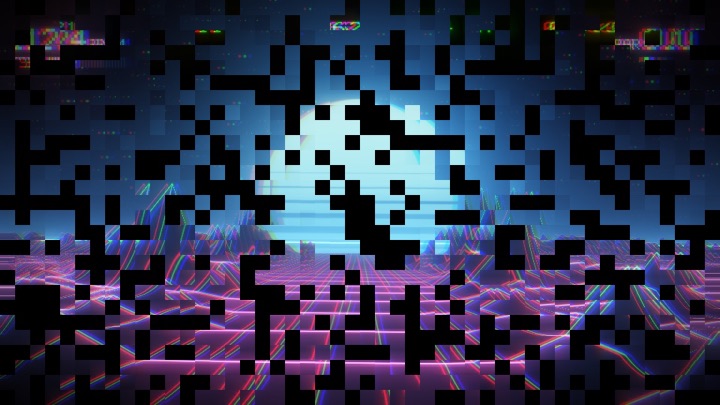
Glitch transitionOne scene shattering into the next

One strip of controls

Pick which monitors show visuals, step scenes, change filter, set auto-change, black out, and watch the live BPM. Clicking it never takes focus from your DJ app.

The Glowfi control strip: screens, scene, filter, auto, colours, blackout, settings and BPM
→SpaceNext scene
←Previous scene
CNew colours
FNext filter, every screen
BBlackout, or back
LStop or resume auto-change
ReturnFullscreen the preview
EscTurn this screen off
Platform
Mac with Apple silicon
Requires
macOS 14.2 or later
Listens to
The Mac's own sound, or any input
Screens
Any monitor, plus a preview window
Graphics
Metal, 60 or 30 fps
Privacy
Audio never recorded or sent

Glowfi

Your spare monitors, playing along with every track.

Coming soonfor Mac