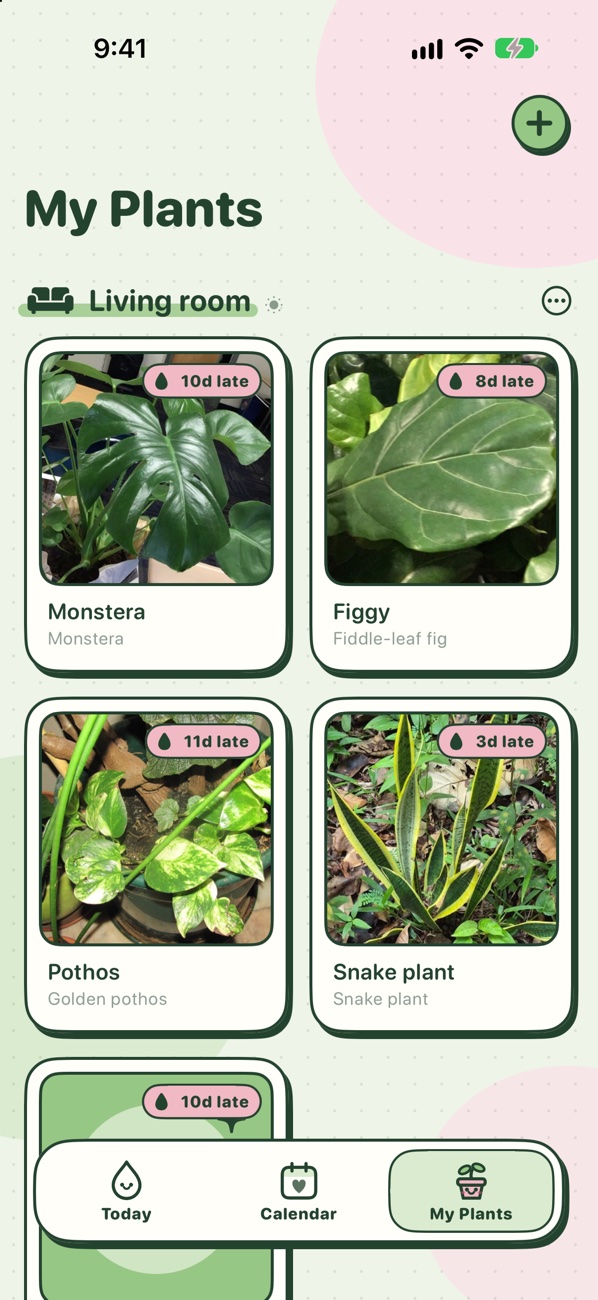
Tell Hand Plant which plants you have and where they live. It works out when each one needs water and food, reminds you, and learns from how fast your soil actually dries.


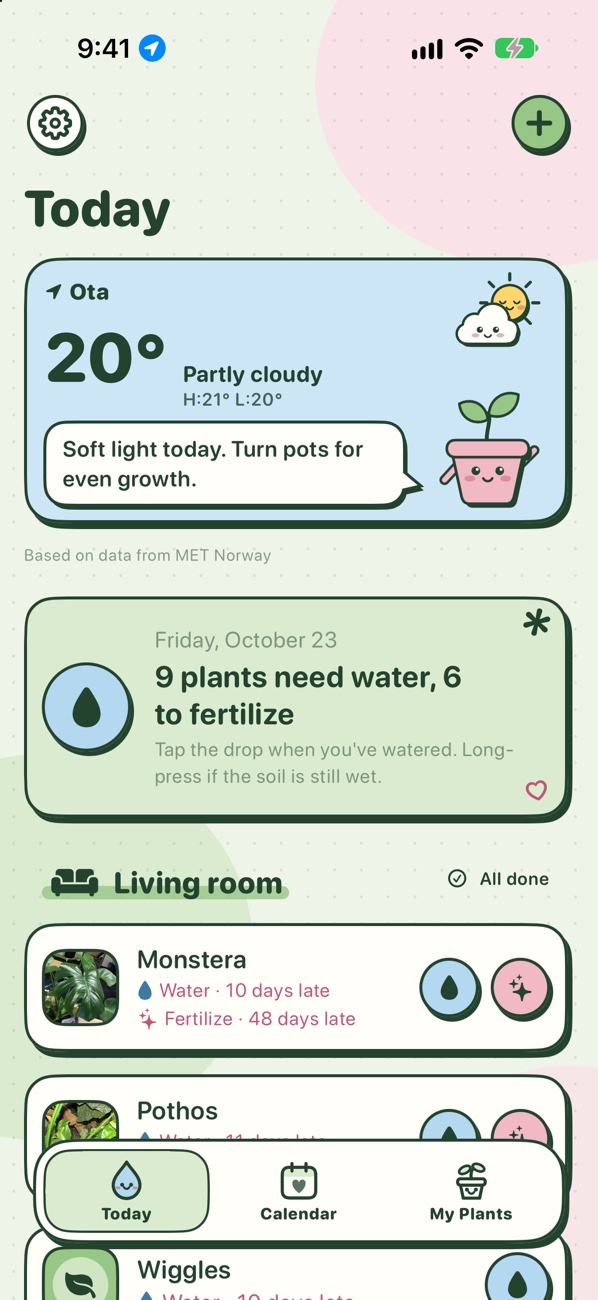
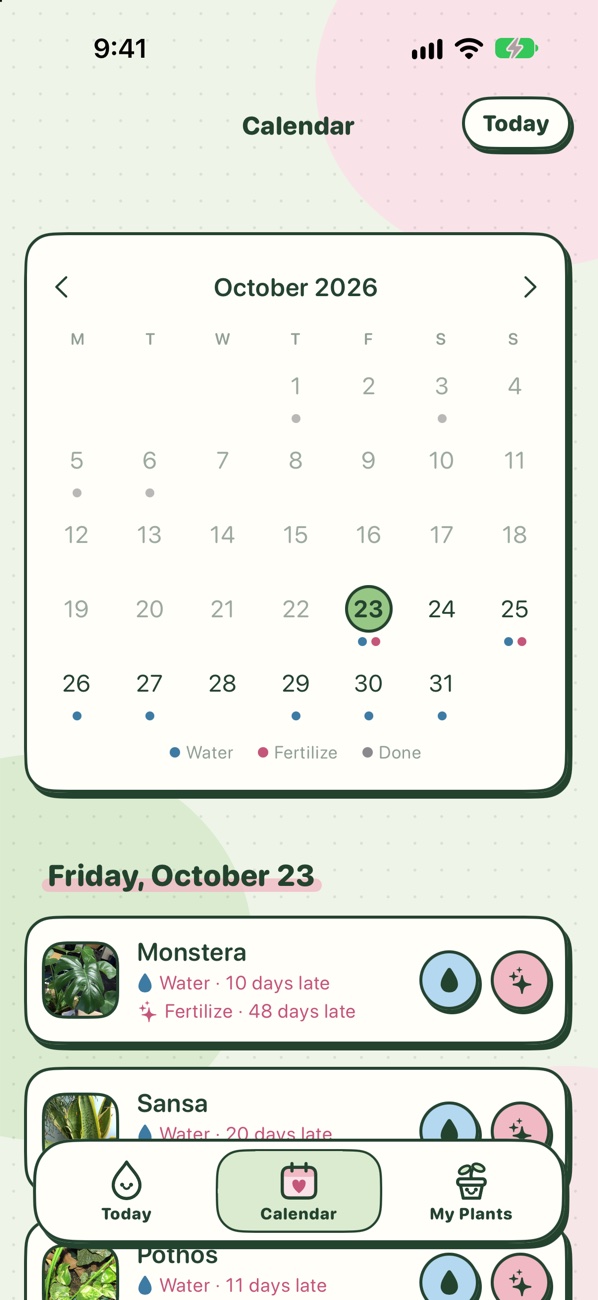
Open the app and see what needs water or food today, grouped by room, with a round button for each task.

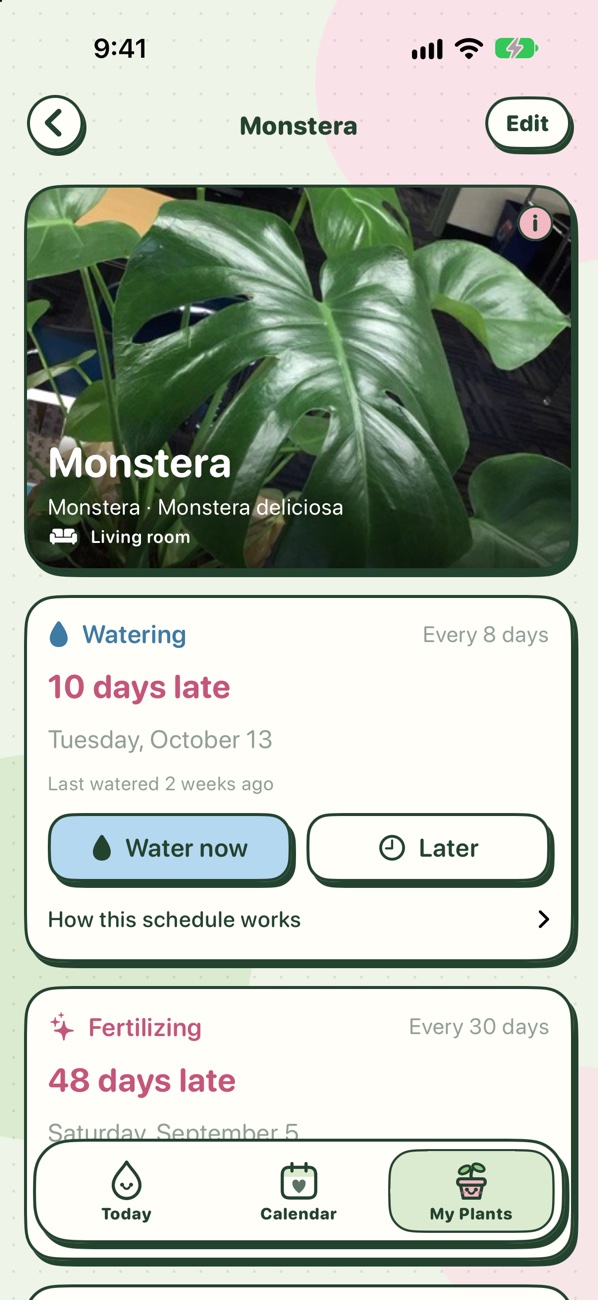
Each plant's watering interval adjusts for its pot's size and type, how bright the spot is compared with what it likes, and the winter rest.

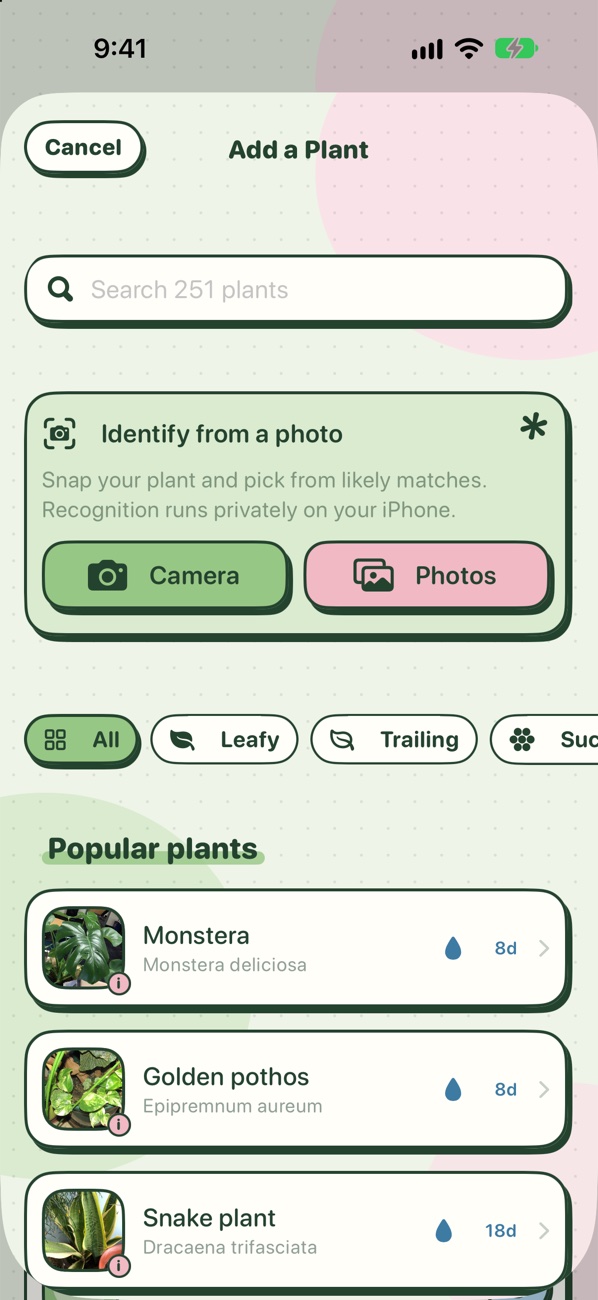
Not sure what it is? Take a photo. Hand Plant's own model, trained on 22,000 photos of 238 plants, lists the five closest matches: Very likely, Likely or Possible.

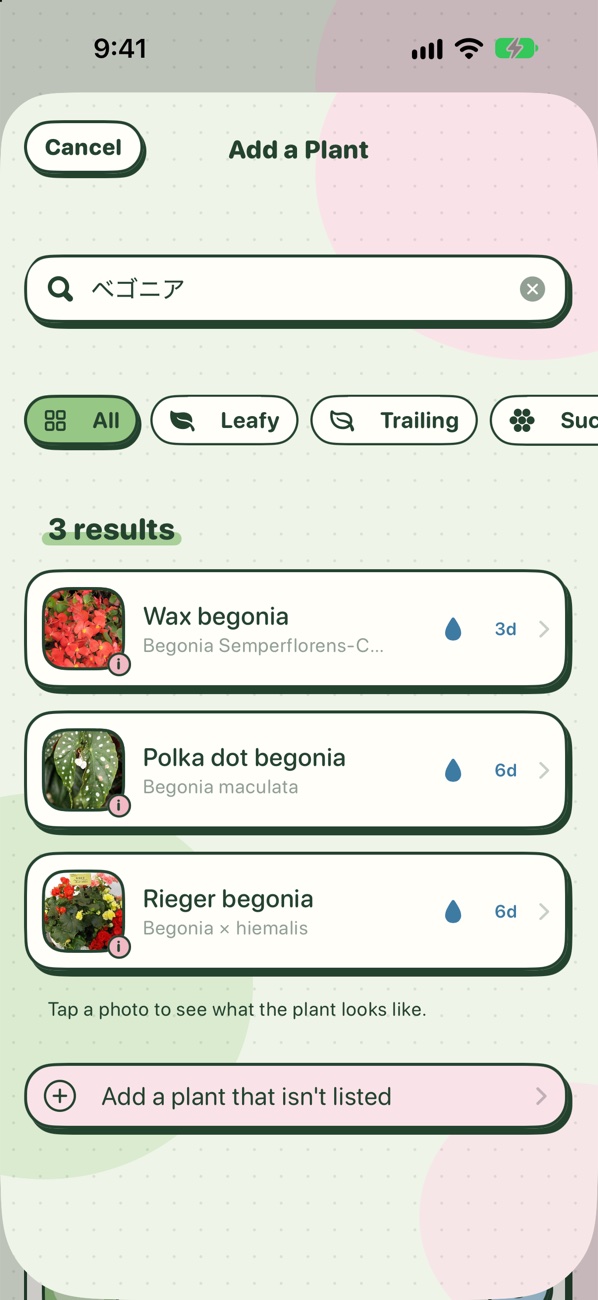
251 plants: houseplants and windowsill herbs, plus garden flowers, trees and vegetables popular in Japan. Search by common name, scientific name, or the Japanese name in katakana, hiragana or kanji.
Not in the library? Add it as a custom plant with your own name.

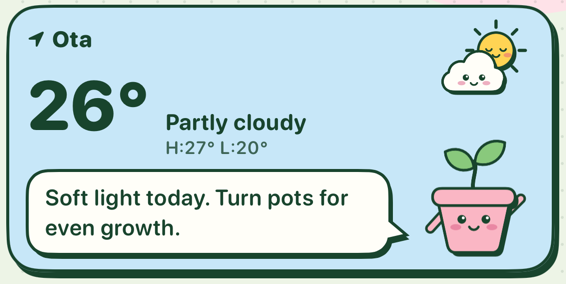
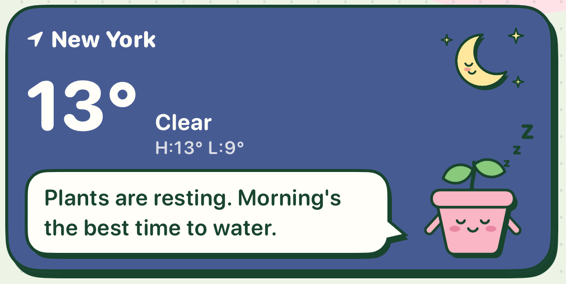
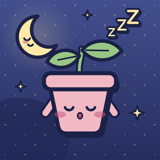
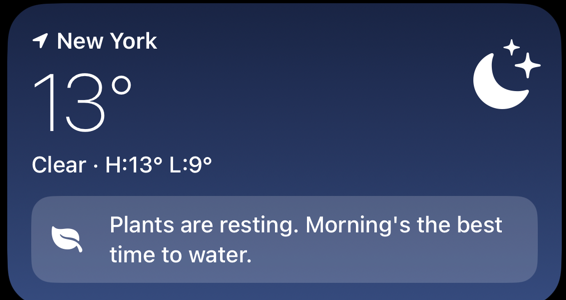
Today's weather and a houseplant tip for it, from a little pot that reacts: sunglasses in the sun, an umbrella in the rain, a scarf in the cold, fast asleep at night.
Matcha and sakura stickers are the default look. Prefer it plain? Un-cute mode switches to the standard iOS style.

Native SwiftUI, no third-party code.


No account, no ads, no analytics, no tracking. Your plants, rooms, care history, settings and photos are stored only on your iPhone, and photo ID runs there too.
Weather is optional. If you turn it on, your location is rounded to about 1 km and sent to MET Norway for the forecast and to Apple for your town's name.
Each plant in the library has a typical watering interval for a medium plastic pot in the light it likes. Hand Plant adjusts it for your pot's size and type, how bright the spot is compared with what the plant likes, and the winter rest, which depends on the hemisphere you choose in Settings. Open a plant and tap "How this schedule works" to see every factor.
Always check the soil first. If it's still wet when a reminder comes, long-press the plant and choose "Soil still wet", and future intervals stretch to match.
Photo ID narrows the list; it can't be certain. Try a well-lit photo of the whole plant, or search the library by common name, scientific name or nickname. If your plant isn't there, add it as a custom plant.
Hand Plant's data is part of your normal iPhone backup. Restore your new iPhone from an iCloud or computer backup and your garden comes with it. Please don't delete the app to fix a problem: that deletes your plants.
Example photos come from Wikimedia Commons and iNaturalist under Creative Commons or public-domain licences. Every photographer is credited in Settings → Photo credits, and tapping the ⓘ on an example photo shows its credit.
Hand Plant is coming to iPhone.
Example plant photos are Creative Commons, credited in the app. Photo ID builds on Meta's DINOv2 image model (Apache 2.0).